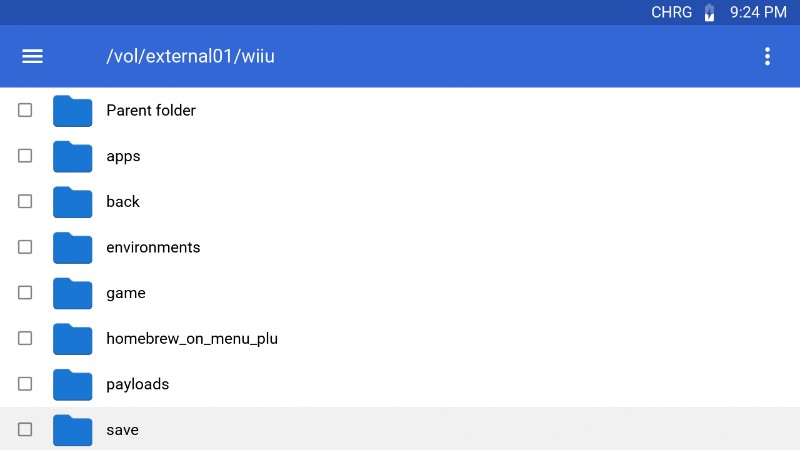
where exactly do we get to take screenshots to send here? Please help!
Post


Try Rosalina Menu! Press: L+↓+Select and select the "Take Screenshot" option.
But I don't know how to send those screenshots here though...

on wii u?
i have a screenshot plugin but they dont appear in the menu

I don't know how to do it on the WiiU. I'm sorry... D:

In WiiU-Shell app from Homebrew app store, click on your screenshots folder (ofc I deleted mine, my bad) and view your screenshots there. once viewing you can access miiverse to share