the surgery went successfully great,oh how rude of me i forgot to introduce my wiimote,Dave!!! he survived the wristband transplant after his broke :D
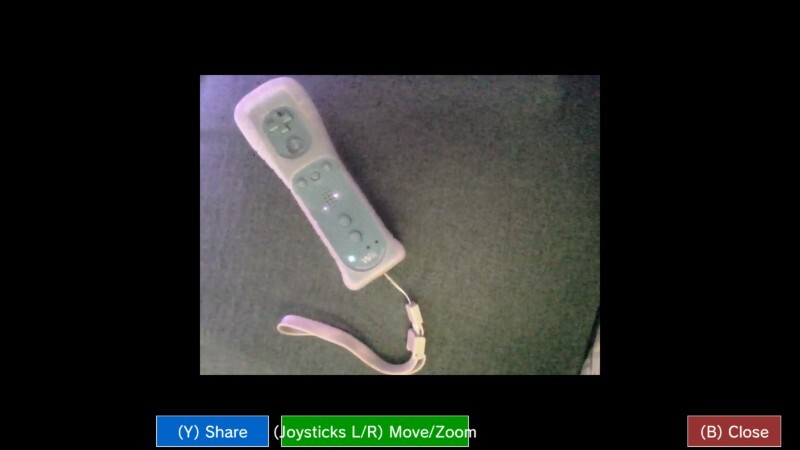

the surgery went successfully great,oh how rude of me i forgot to introduce my wiimote,Dave!!! he survived the wristband transplant after his broke :D

Dave is the goat :]

wait how did u do that how did u share the screenshot i need it pleaseeee :\\
@HHAPPY install an app called wii u camera :]

@HHAPY 1.open Wii U homebrew app 2.Search for Wii U camera 3.Install it 4.take screenshot 5.go to gallery (Camera photos and Videos) 6.choose screenshot you want to post 7.suspend software by pushing home button 8.go straight to miiverse 9.go to post>screenshot 10.post

Bro can easily post real-life pics on the Homebrew Community bc he have a WiiU and nobody cares, but me when I post real-life pictures from my 3ds (which is against the rules) my posts get deleted lol