Post
how did you do that
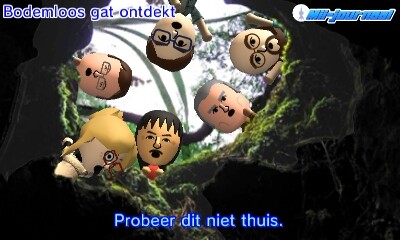
To share an in-game screenshot u: play the game > press 'Homebutton' > go to miiverse > select community and directly press add a post. It should give you an extra button shaped like an image which allows u to share one of you screens!
oh wait i thought you were using mods but you have a different region of the game sorry but thanks fof the tip