my big boy G3
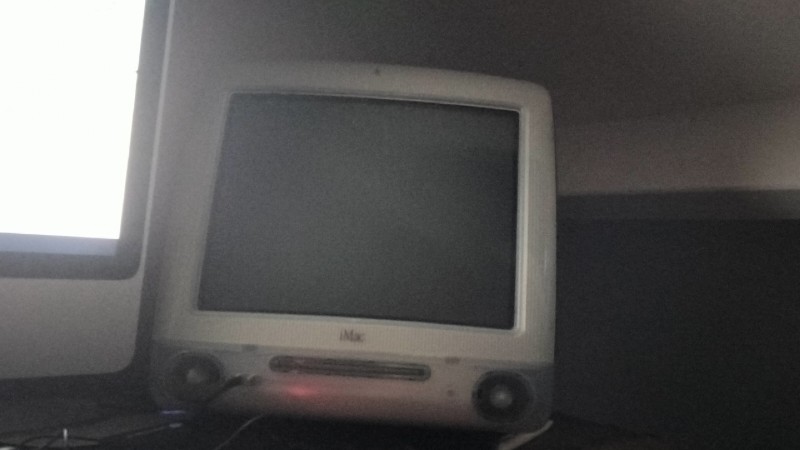
my big boy G3
how to take pictures
just use your phone, put a jpg or png on an sd card, then open the HB App Store, type: "WiiU-Shell", download it, then open it from the home menu, search for the image file on your sd card, click on the image file, then click the home button, open miiverse from there
, then click on post in whatever channel you want, click on screenshot, there you will see your image 2 times, click on any of the 2 images, then type what you want in your post and post it