This is my custom vWii Menu!!
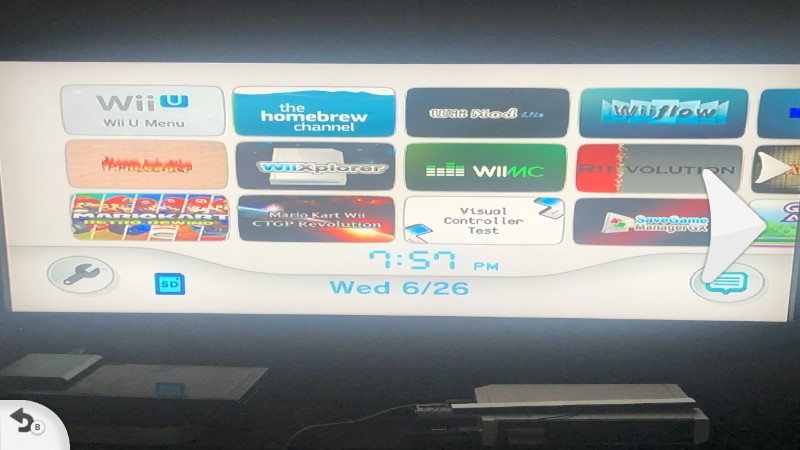

This is my custom vWii Menu!!
how did you send that

Good Question!! there is a trick.
All you need to do is to take a screenshot anywhere on your Wii U with the AROMA ScreenShot Plugin then you take a Picture on anything like on your vWii Menu on your iphone, then plug your iphone to your computer then copy it to your desktop then copy into a .png format or .jpg!
Go to your Wii U SD Card/wiiu/screenshot/Wii U Game name/any Day then copy the text on your wii u screenshot .png or .jpg format then paste the name on your iphone picture you put it on your computer desktop then replace it! then go to the Screenshot Manager app & BOOM it's there